
Ratings & reviews
Score an item 0–10, comment with photos, and edit or delete your own review. One score per person, per item.
0–10 scale · images · edit & deleteRate items 0–10, comment with photos, and tag what you find — then search every tagged item by tag, price and rating.
Rig is clean and the expressions are great.
Works with VRChat out of the box.
Score an item 0–10, comment with photos, and edit or delete your own review. One score per person, per item.
0–10 scale · images · edit & deleteAdd tags, vote them up, filter by language. Tags are normalised globally, so one tag works across every item.
up / down votes · aliases · tri-lingualSearch every tagged item by tag, price and rating. The web finder converts prices as you go.
match all / any · price · sortPrices on item pages and in the finder convert from yen into the currency you pick. Price caps can be set in that currency too.
8 currencies · live rates · caps in your currencyProve the shop is yours. Once it is linked, every comment you leave on its items carries a “Shop owner” badge — and shopmates can join with a one-time invite.
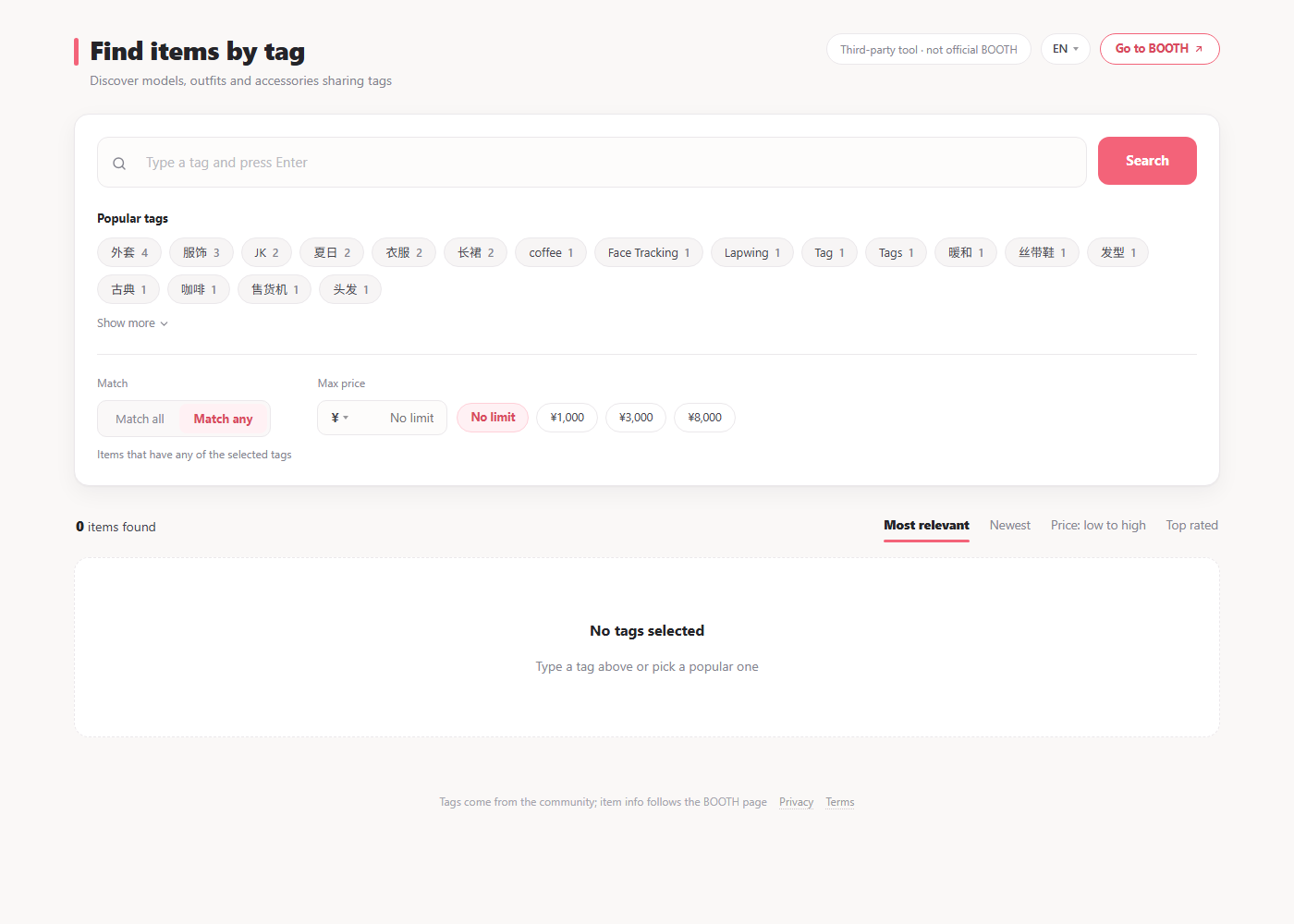
Every tag the community adds is searchable. The web finder runs in any browser — no extension, no account.
boothpl.alicevrc.cn/find
The userscript manager for Chrome, Edge, Firefox and Safari.
One click from the install page. It checks for updates on its own.
The panel appears under the item details — folded until you need it.
Short answers to the things people ask before installing.
No. It is a third-party tool, not affiliated with BOOTH or pixiv. Reviews and tags are stored on our server and never written back to BOOTH.
Only to rate, comment or vote on tags. Reading the panel and using the finder needs no sign-in.
No. The script only reads what is publicly visible on the item page you have open — item ID, title, price, tags and thumbnail. It does not read or upload your BOOTH account, orders, purchases, downloads or cookies; what we store is covered by the privacy policy.
Chrome, Edge, Firefox and Safari (macOS and iOS) with Tampermonkey. The web finder runs in any modern browser.
Reviews, tags and images live on boothpl.alicevrc.cn. Nothing is posted to BOOTH. See the privacy policy for details.
Yes — your own review can be edited or deleted, and its score disappears with it.
Everything the panel shows is available as plain JSON — item meta, rating, tags and reviews. No API key, no SDK: one GET request returns the item.
Install once — the panel follows you to every BOOTH item.
v— · updates itself